Terms and conditions and Privacy (includes GDPR details)
We do not handle any user data (name, payment, website content, web browsing activity, user generated content).
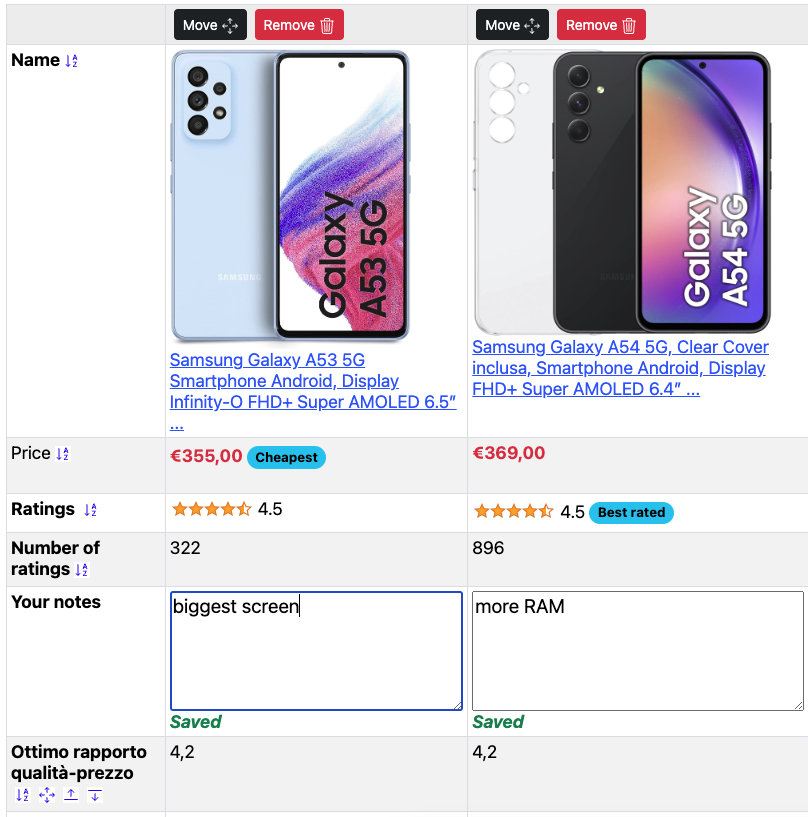
The extension only temporarily stores the E-commerce products data you specifically selected (right-click) and does NOT send this data to any remote third party.
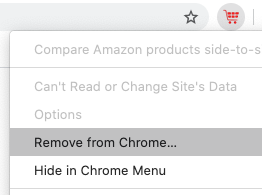
Clicking "REMOVE" completely removes the products from your local storage.
1. Introduction
This Privacy Policy sets forth the privacy practices with respect to all information, data, graphics, content, software applications; the Compare E-commerce Products Side by Side Chrome web extension (at this link) linked from this website on the homepage (referred to as the "Service"). In this Privacy Policy, "we", "us", "our" and other similar references mean Compare E-commerce Products Side By Side and "you" and "your" and other similar references mean any particular user of the Service. This Privacy Policy describes how Compare E-commerce Products Side By Side uses personal information of users collected through our Service ("Personal Information").
This policy applies (i) immediately to users who utilize the Service on or after the Effective Date and (ii) on the Effective Date to users who utilize the Service before the Effective Date. Any person who does not agree to be bound by this Privacy Policy should not utilize the Service. Each capitalized term not otherwise defined herein shall have the meaning set forth in Section 2.
Please contact us if you have any questions or comments about our privacy practices or this Privacy Policy. You can reach us online using the contacts page, or by mail at: info@softwareengineeringsolutions.co.uk
PLEASE READ THIS PRIVACY POLICY CAREFULLY. BY ACCESSING OR USING THE SERVICE, YOU ACKNOWLEDGE THAT YOU HAVE READ, UNDERSTOOD, AND AGREE TO BE BOUND TO ALL THE TERMS AND CONDITIONS OF THIS PRIVACY POLICY AND OUR TERMS OF USE. IF YOU DO NOT AGREE TO THESE TERMS AND CONDITIONS, PLEASE EXIT, AND DO NOT ACCESS OR USE, THE SERVICE.
2. Definitions
- a) "Contact Information" means (i) your name, (ii) your physical address, (iii) your email address and (iv) your telephone number.
- b) "Effective Date" means the date set forth at the beginning of this document.
- c) Compare E-commerce Products Side By Side means any parent, subsidiary, member, officer, director, employee, or agent of Compare E-commerce Products Side By Side or any company under common control with Compare E-commerce Products Side By Side.
- d) "Privacy Policy" means the set of policies set forth in this document.
- g) "User Account" means an account permitting access to the Service, with which is associated a username and password.
- h) "User Account Information" means information that identifies you to the Service, including your username, password, internet protocol address, and MAC address.
- i) "User Content" means images, comments, and other materials that you post to the Service.
3. Types of Personal Information We Collect
We do not collect any information that is then sent to our servers.
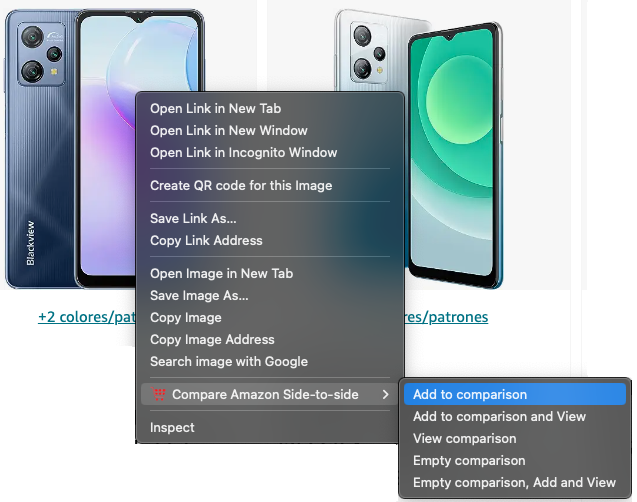
The software has no permissions to send any data to any server, but only add a right click and store temporary product data in your browser cache (to avoid downloading it again), exclusively visible on your browser with your account.
4. Storage and Security
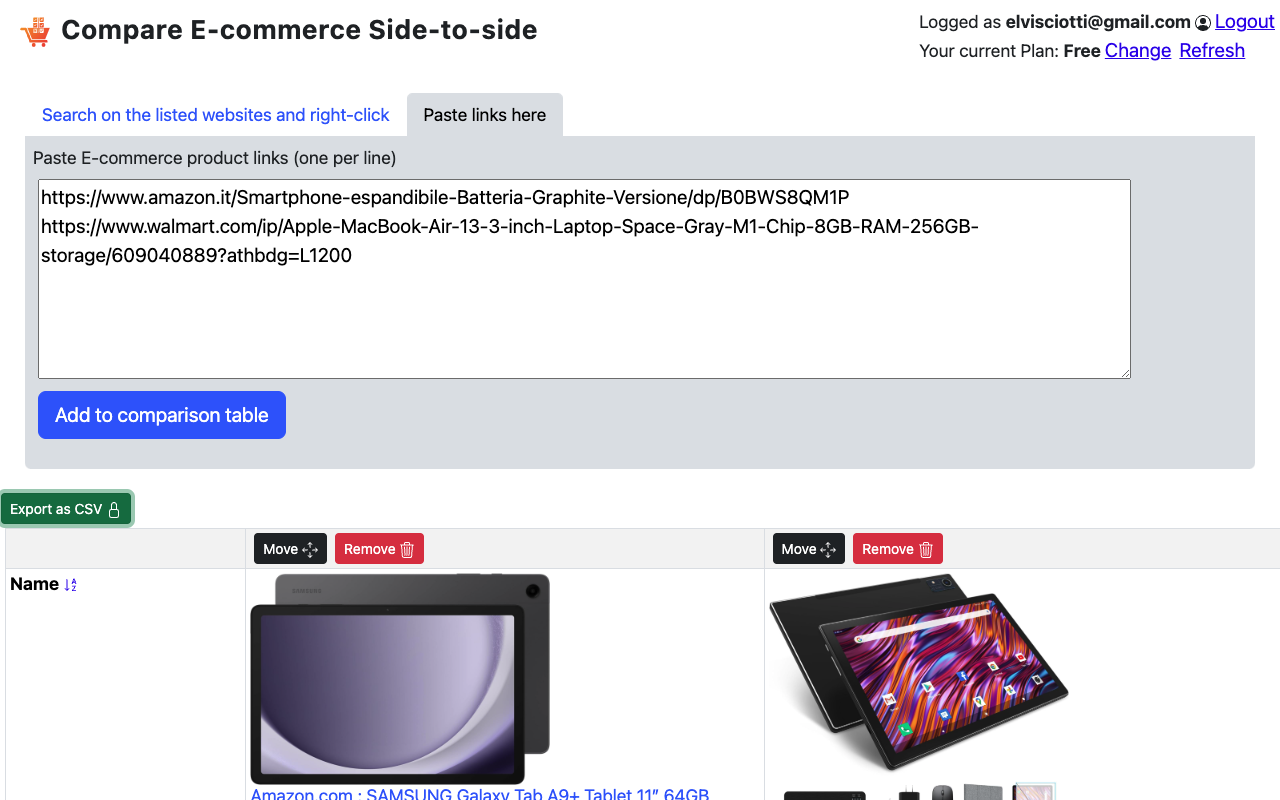
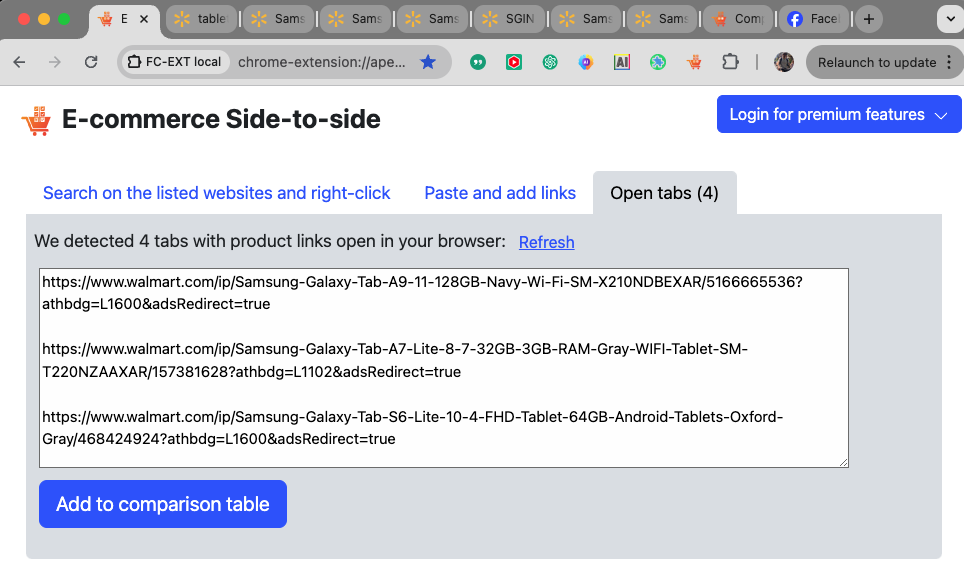
The products you select and add to the table are stored into the Chrome storage.
We don't send any data to our servers. The data fully stays in your browser storage and can be deleted by just removing the products.
Notes associated to products will persist on your browser cache, and will display if you are adding the products again a few days later. We are happy to review this behaviour and provide an option to completely wipe all the notes forever, if needed
5. No Responsibility for Privacy Practices of Third Parties
This Privacy Policy applies only to the Service. It does not apply to sites that have linked or are redirected to or from the Service ("Third Party Sites"), regardless of whether or not such link or redirection is authorized by Compare E-commerce Products Side By Side. Third Party Sites may have their own policies regarding privacy, or no policy at all. Compare E-commerce Products Side By Side is not responsible for Third Party Sites and you use them at your own risk.
6. Changes to the Privacy Policy
Compare E-commerce Products Side By Side reserves the right to change this Privacy Policy. Such changes may be announced to you either by email or by the posting of the revised policy on the Service. You are responsible for reviewing both your own email and the Service to determine what is the then-current Privacy Policy.
EFFECTIVE DATE: March 22, 2020



 Walmart, AliExpress, NewEgg
 Mercado Livre, Magazine Luiza, Casas Bahia, OLX
 on the browser toolbar on the right (press first
 if not pinned).
 Facebook page